This is the second part of your lab, which is to implement a trap handler for the user process to access last mouse click.
Part B: Add Mouse() Supervisor Call
Now our job is to retrieve the mouse click coordinates that is stored in the Kernel variable Mouse_State in the sample screenshot above. Implement a Mouse() supervisor call that returns the coordinate information from the most recent mouse click (i.e., the information stored by the mouse interrupt handler).
Like GetKey() supervisor call to retrieve keyboard press, a user-mode call to Mouse() should consume the available click information. If no mouse click has occurred since the previous call to Mouse(), the supervisor call should “hang” (blocks execution) until new click information is available.
Blocking Execution
A blocking supervisor call means that the supervisor call should back up the calling process’ context and move on to schedule other processes if there’s no mouse click (branch to the scheduler to run some other user-mode program). It also adjust the calling process’ PC so that the next user-mode instruction to be re-executed is the Mouse() call.
Thus when the calling program is rescheduled for execution at some later point, the Mouse() call is re-executed and the whole process repeated again (checking whether there’s any recent mouse click). The calling process can only resume when there’s a mouse click.
From the user’s point of view, the Mouse() call completes its execution only when there is new click information to be returned.
The GetKey() supervisor call is a good model to follow.
Defining SVC Macro
To define a new supervisor call Mouse(), add the following definition just after the definition for .macro Yield() SVC(7):
.macro Mouse() SVC(8)
This is the ninth supervisor call and the current code at SVC_UUO was tailored for processing exactly eight supervisor calls, so you’ll need to make the appropriate modifications to SVC_UUO instructions:
||| Sub-handler for SVCs, called from I_IllOp on SVC opcode:

SVC_UUO:
	LD(XP, -4, r0)		| The faulting instruction.
	ANDC(r0,0x7,r0)		| Pick out low bits, should you modify this to support more supervisor calls?
	SHLC(r0,2,r0)		| make a word index,
	LD(r0,SVCTbl,r0)	| and fetch the table entry.
	JMP(r0)
You also need to modify the SVCTbl to now account for 9 supervisor calls instead of 8.
Testing Your Implementation
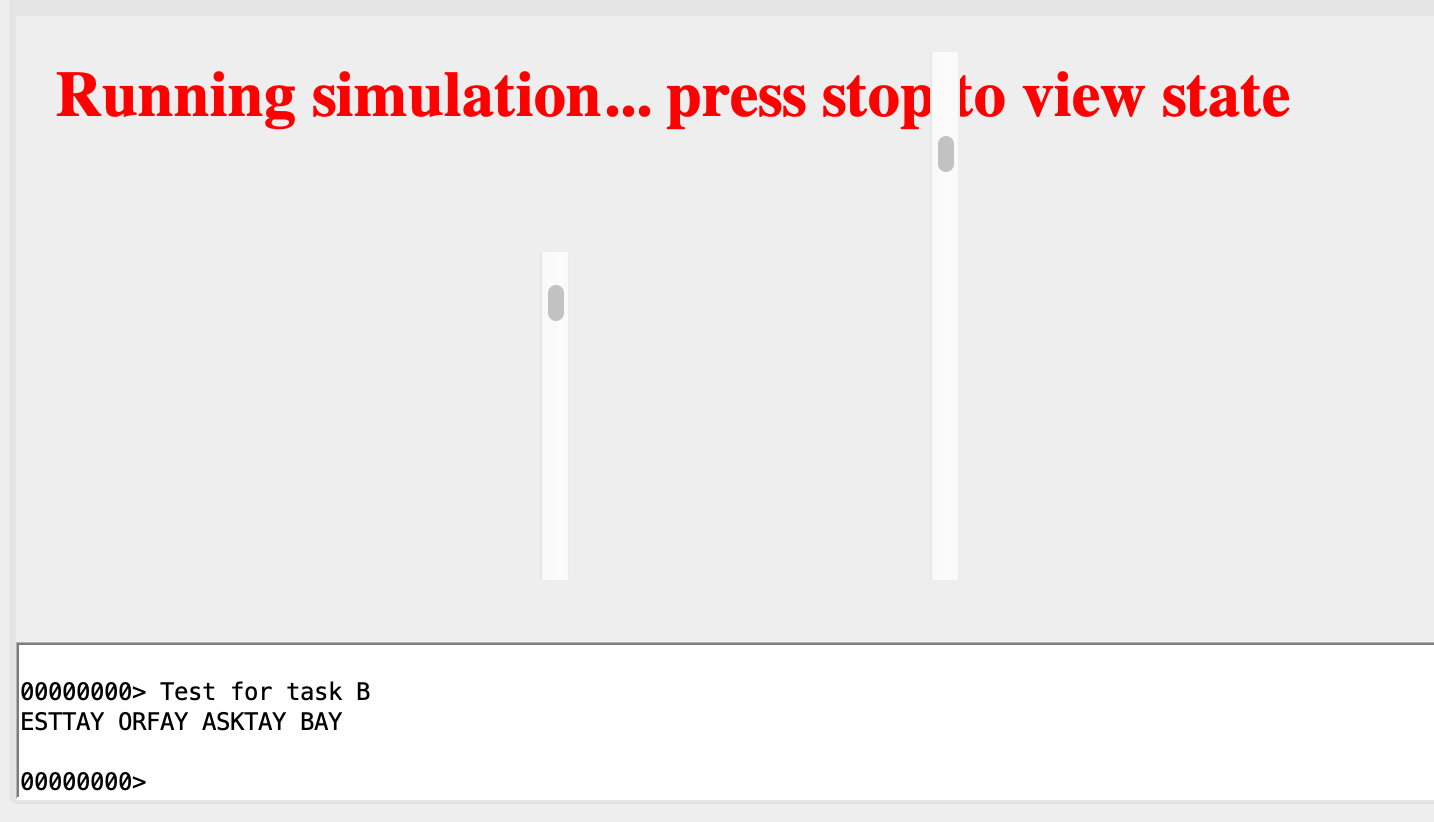
Once your Mouse() implementation is complete, add a Mouse() instruction just after P2Start. If things are working correctly, this user-mode process should now hang and Count3 should not be incremented even if you type in several sentences (i.e., the prompt should always be 00000000>).
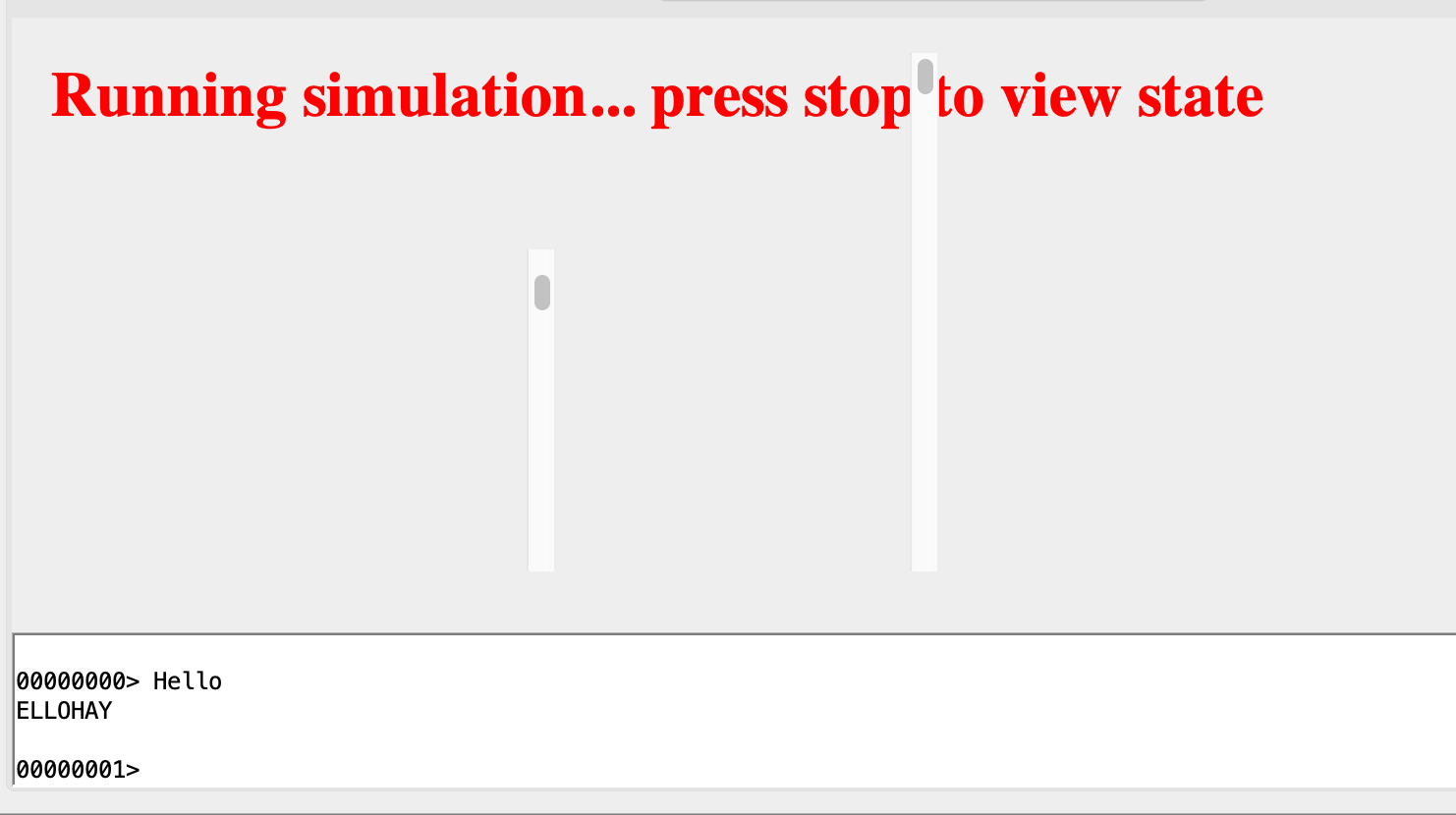
Now click the mouse once over the console pane and then type more sentences. The prompt should read 00000001>
Task 2
CHECKOFF
Demonstrate the above result to your instructor / TA in class. When you are done, remember to remove the Mouse() instruction you added.
Note that if you implement empty mouse buffer as
LONG(0), a click at valid coordinate0,0in the top left hand corner of the console will not be registered a valid mouse click, so you can’t just wholesale copy the theGetKey()supervisor model. Please consider this in your implementation, a suggested way is to useLONG(-1)to indicate an empty mouse buffer.
Summary
Congratulations 🍾, you have sucessfully implemented both asycnhronous and synchronous interrupt handlers for Mouse-related event.
Once you’ve get your checkoff, please save your work. We will continue using TinyOS.uasm in Lab 4.