HTTP Status Code
In this final section of the lab, we will explore the concept of status code. In HTTP, status codes are three-digit numbers that indicate the outcome of an HTTP request. Each status code conveys a specific meaning to help identify and troubleshoot issues during communication between a client and a server.
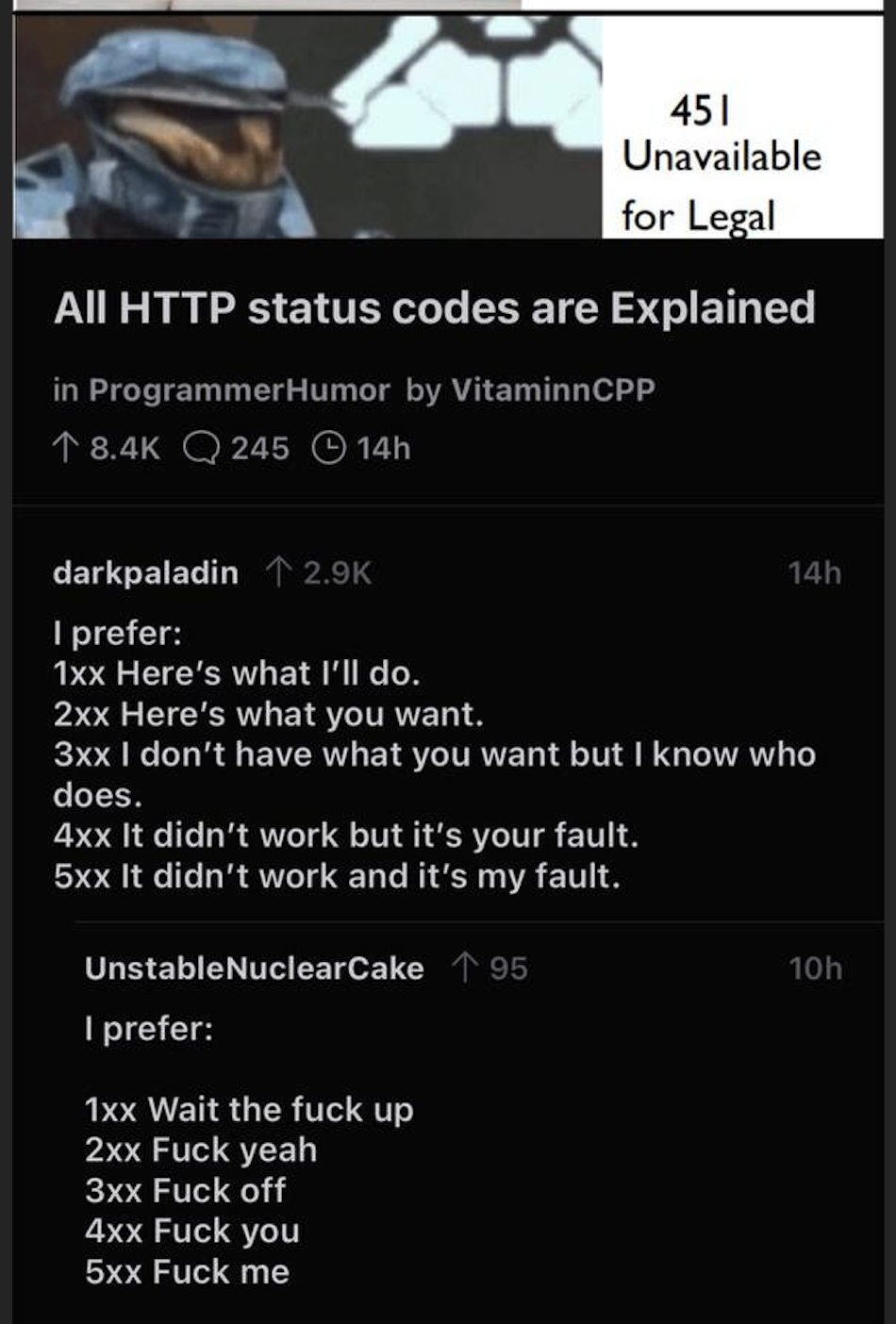
Our TAs Ryan and Cassie recommend the PG13 version: https://http.cat and https://http.dog instead.
HTTP status codes are divided into 5 categories:
1xx: Informational, indicates a provisional response consisting only of the Status-Line and optional headers, and is terminated by an empty line
2xx: Successful, indicates that the client’s request was successfully received, understood, and accepted
3xx: Redirection, indicates that further action needs to be taken by the user agent in order to fulfill the request
4xx: Bad Request, indicates that the server cannot understand the request due to malformed syntax, and client should not resend the request without any modifications
5xx: Server Error, indicates cases in which the server is aware that it has erred or is incapable of performing the request
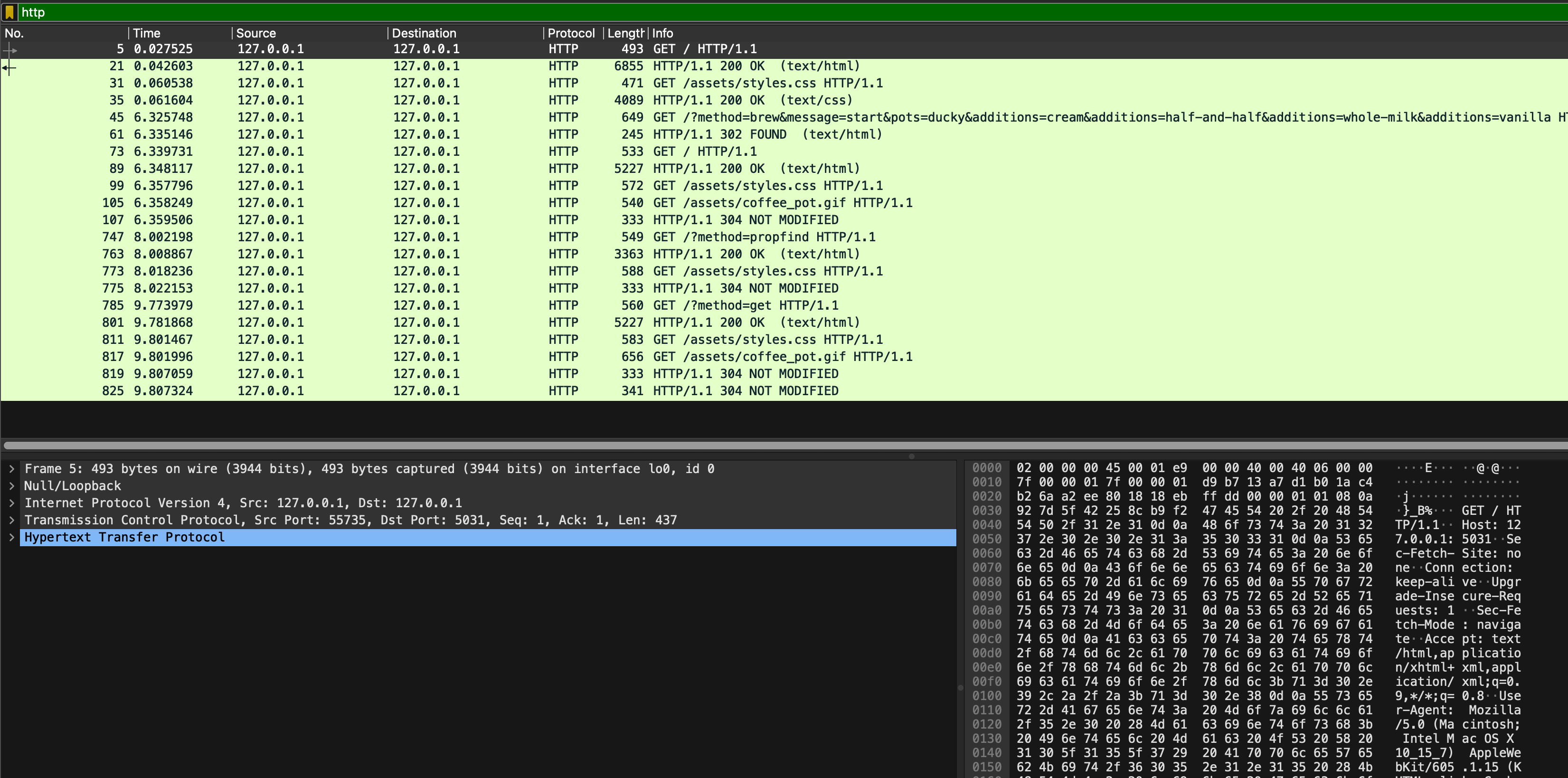
When you inspect coffee_brew.pcapng, you will see several status code:
Task 6
TASK 6: Study HTTP status code 200, 302, 304.
Inspect which request results in those responses with those status code and head to eDimension to answer several questions about it.
HTCPCP Status Code
There are two additional HTCPCP status code:
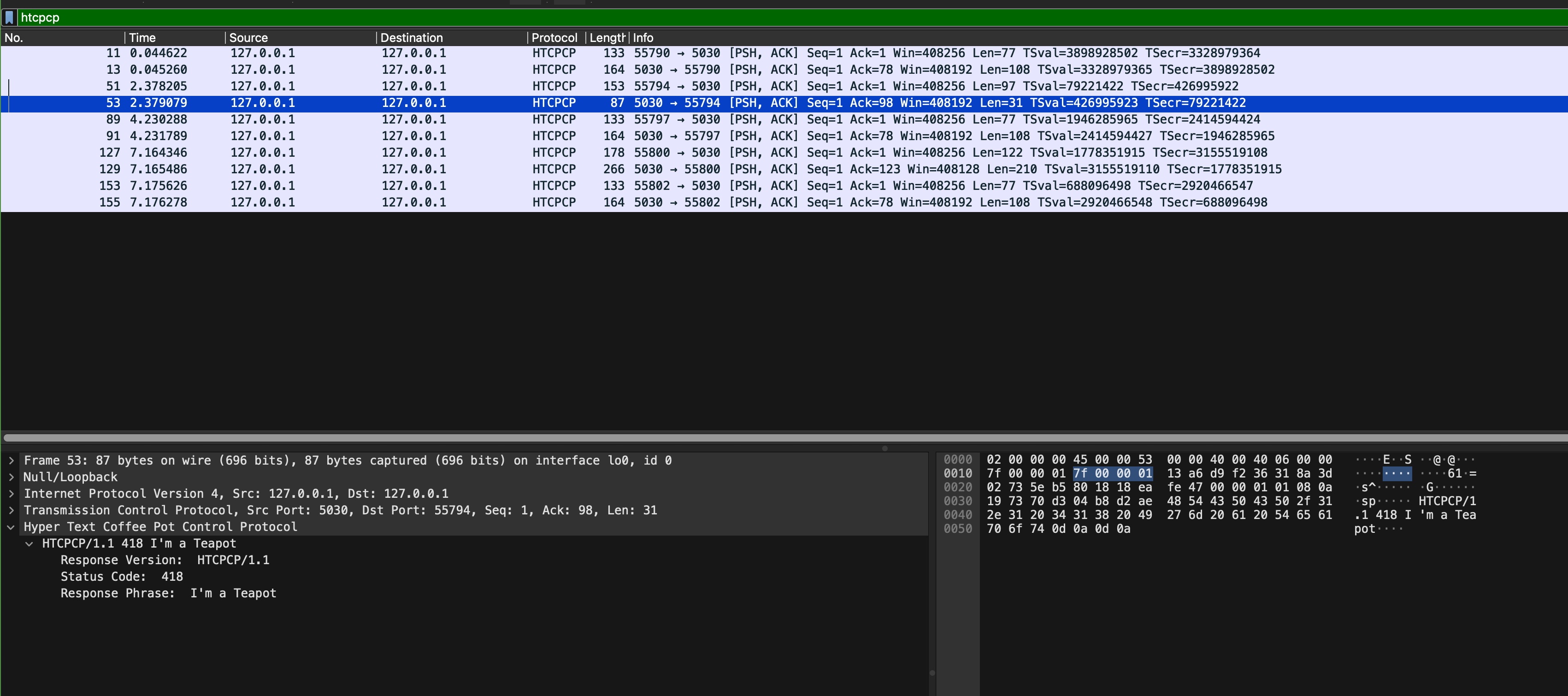
- 418: I’m a Teapot
- 406: Not Acceptable
Both are implemented by our coffee server. Open sample_capture/coffee_418_406.pcapng and add htcpcp filter on it. In particular, see packet 53 and 129:
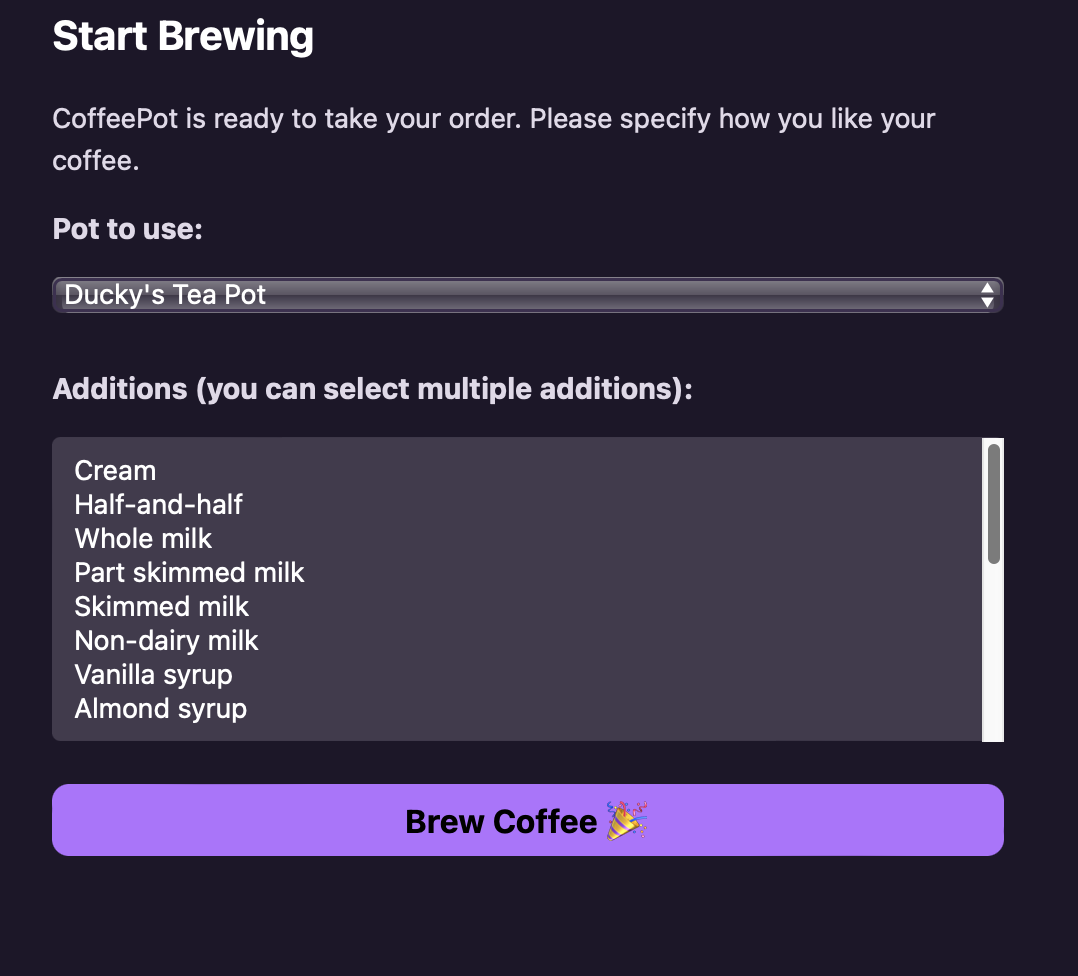
From the web browser, you can trigger 418 by trying to brew coffee with a teapot:
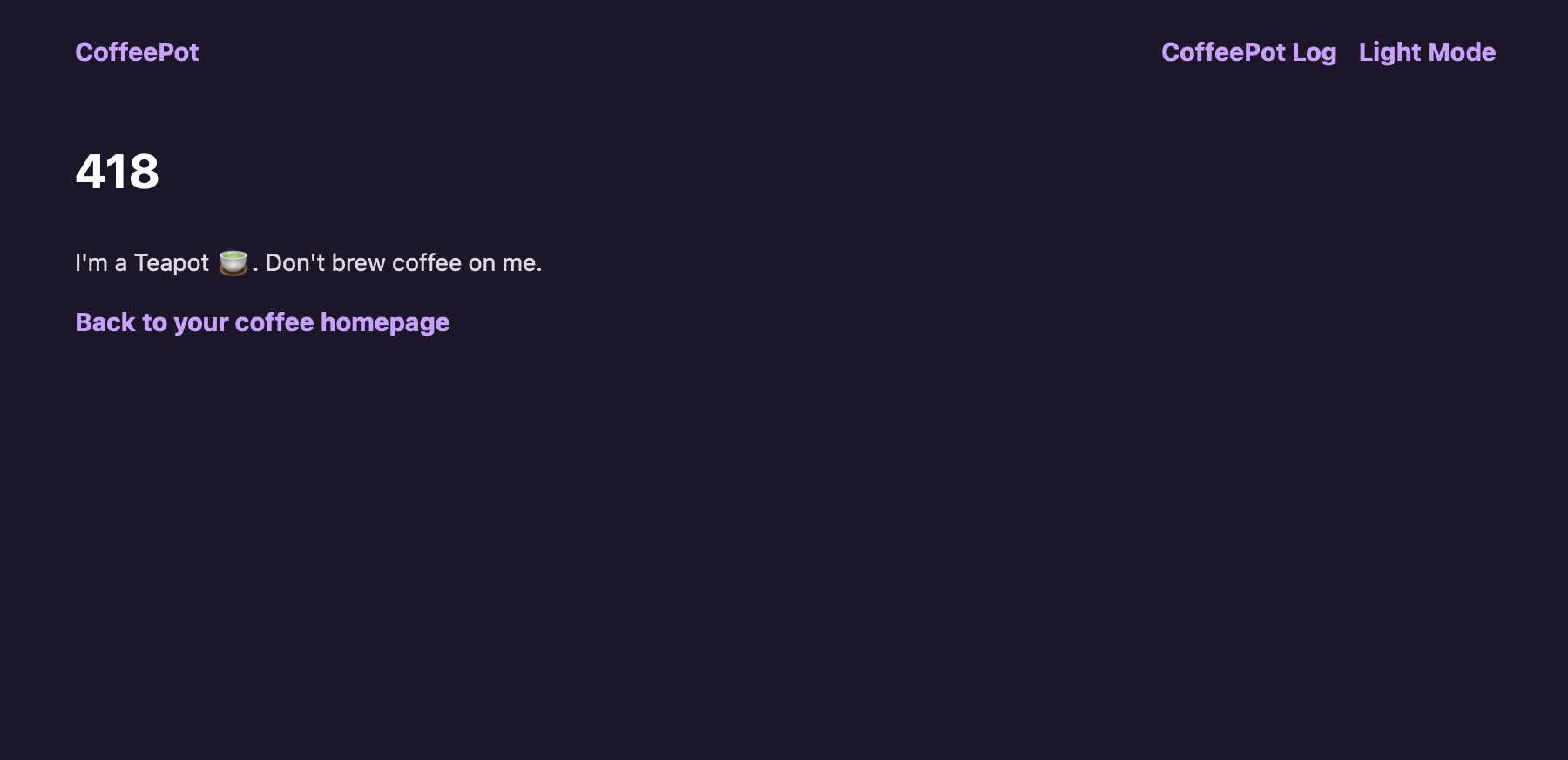
Which will result in this page being generated by Flask and passed to our web browser:
You can trigger 406 by trying to brew coffee with chamomile option (who would do that? chamomile + caffeine doesn’t give you the most pleasant feeling 🤧):
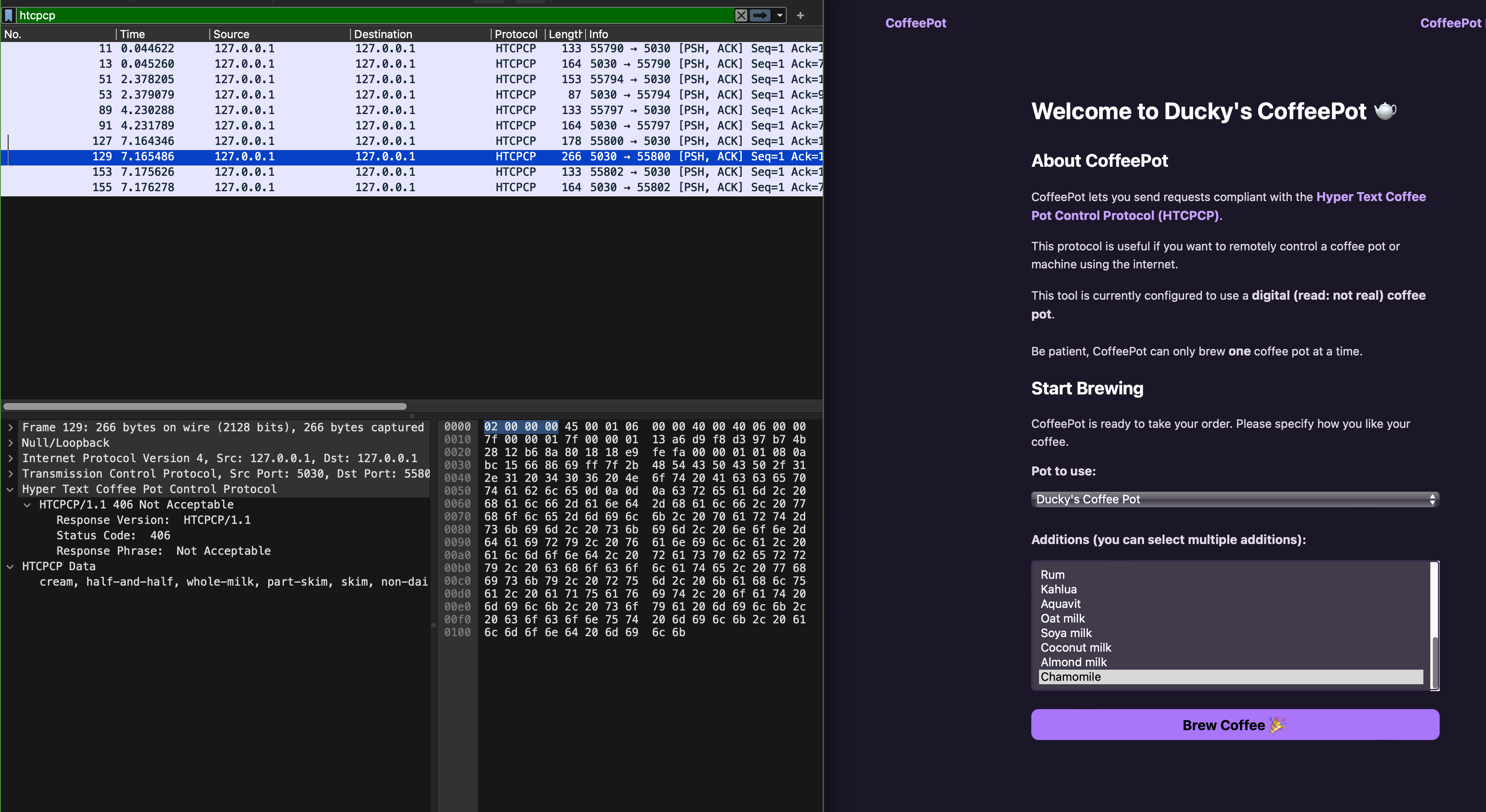
However we have not implement anything in the webapp to handle that status code 406 (unlike status 418).
Task 7
TASK 7: Handle HTCPCP status code 406
Open webapp/webapp_coffee.py and find the # TODO section:
def handle_when_brew_post(message):
    global previous_response_status
    # handles the cases when method is when, brew, or post
    server = socket.socket(socket.AF_INET, socket.SOCK_STREAM)
    server.connect((HOST, COFFEE_SERVER_PORT))

    server.send(bytes(message.encode()))

    # get response from server
    data = server.recv(1024).decode()

    response = data.split("\r\n")
    if data.find("418") != -1:
        return render_template(
            ERROR_TEMPLATE, title="I'm a Teapot!", error=418
        )

    ########################
    # TODO TASK 7: handle other status code specified in HTCPCP instead of just 418
    ########################

    try:
        previous_response_status = int(response[-1])
    except Exception as _:
        previous_response_status = 0

    return redirect("/")
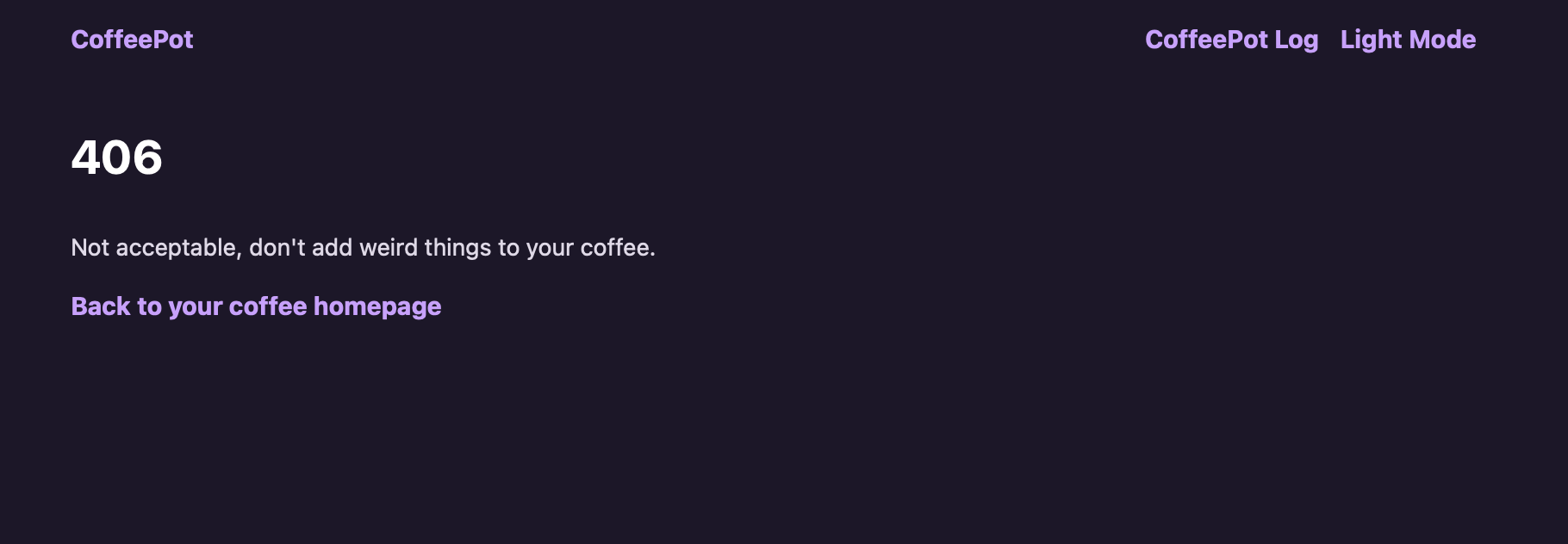
Modify it to render a proper webpage. You can see how we handled 418 above and simply follow. A finished sample would be something like this page when you attempted to brew coffee with addition of chamomile:
CHECKOFF
Demonstrate the above feature to our TAs to obtain the checkoff mark for this lab.