Tilemap
Unity Tilemap is a feature of the Unity game engine designed to simplify the creation and management of 2D grid-based environments. It allows developers to create and edit tile-based worlds efficiently, making it particularly useful for games like platformers, RPGs, puzzle games, or any game that relies on a grid-like structure. You can read the official tutorial here.
Here's a good tutorial to begin exploring tilemap. The screenshots below are taken from this tutorial.
Key Terminologies
Below is the summary of the key terminologies regarding Tilemap in Unity.
Grid System
Unity Tilemap uses the Grid component to define a structured layout for placing tiles. It supports rectangular, isometric, and hexagonal grids, making it suitable for various game types.
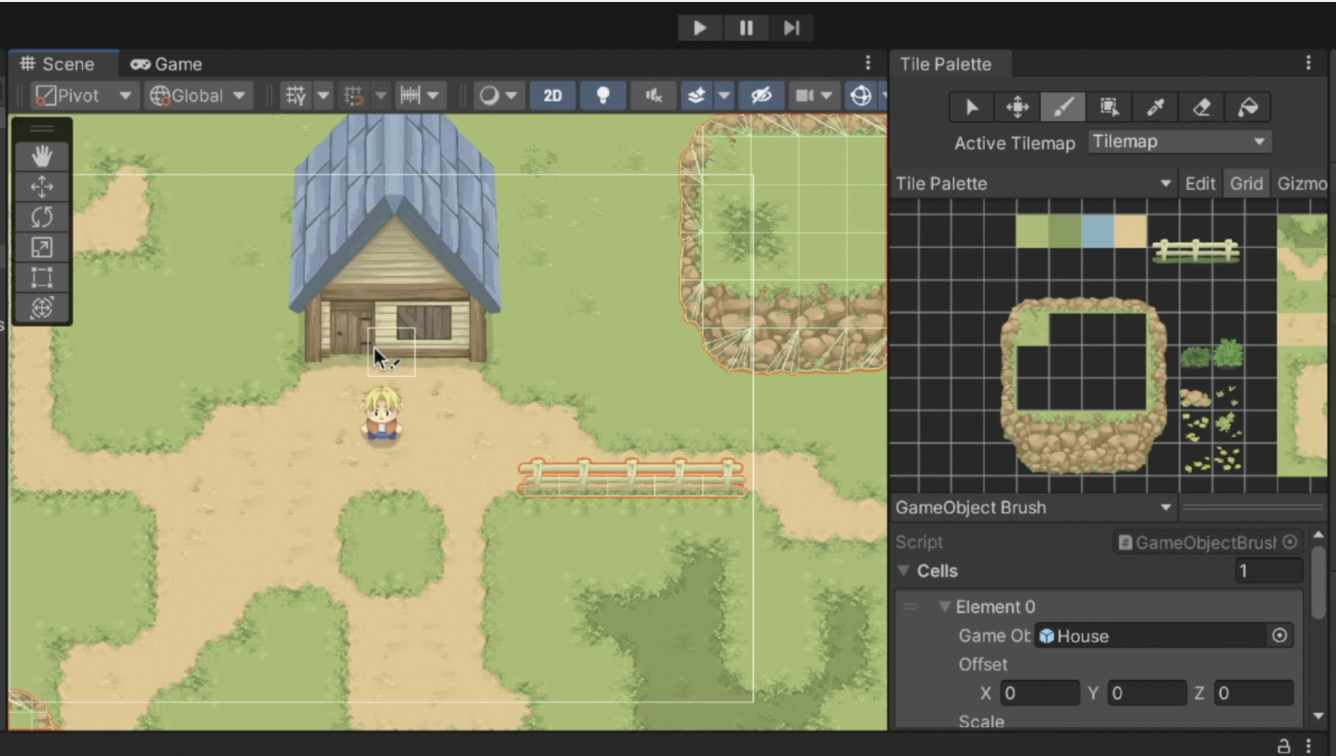
Tile Palette
The Tile Palette is a collection of reusable tiles created from 2D sprite assets. Developers can paint these tiles directly onto the Tilemap for efficient level design.
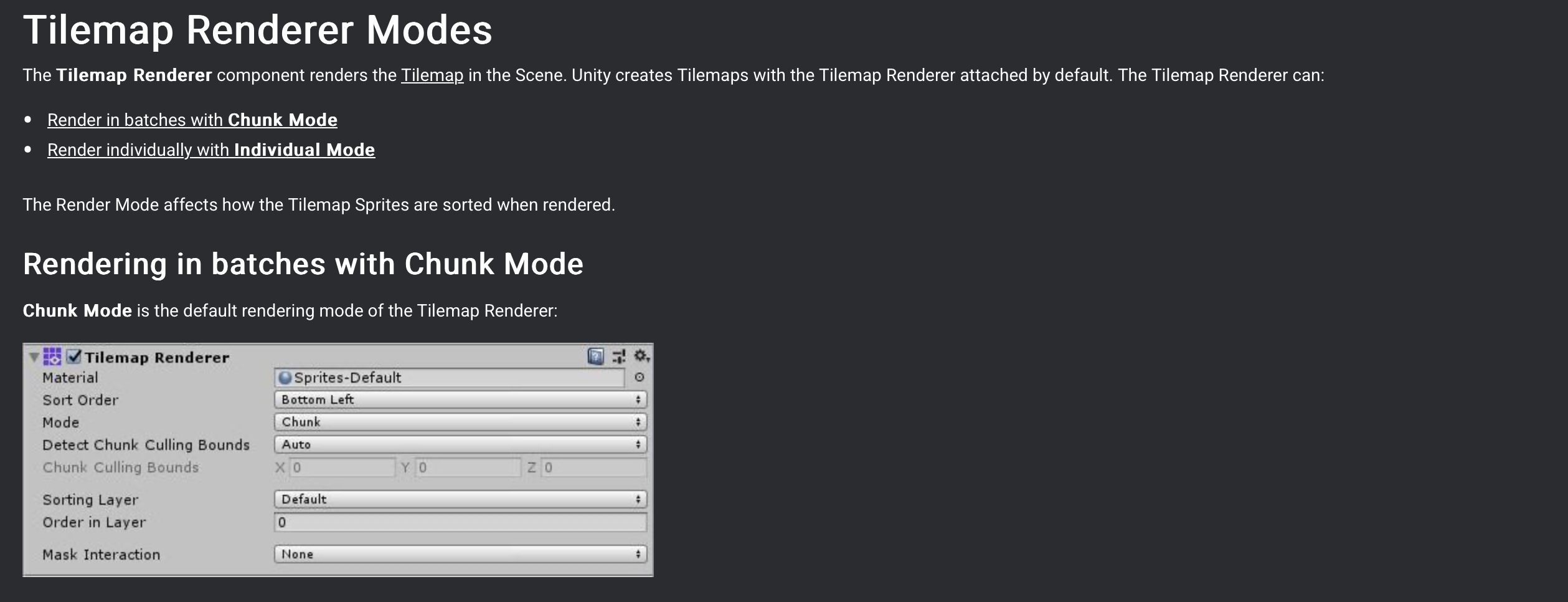
Tilemap Renderer
The Tilemap Renderer controls how the tiles are displayed in the scene. It supports sorting layers, transparency, and blending for a polished visual presentation.
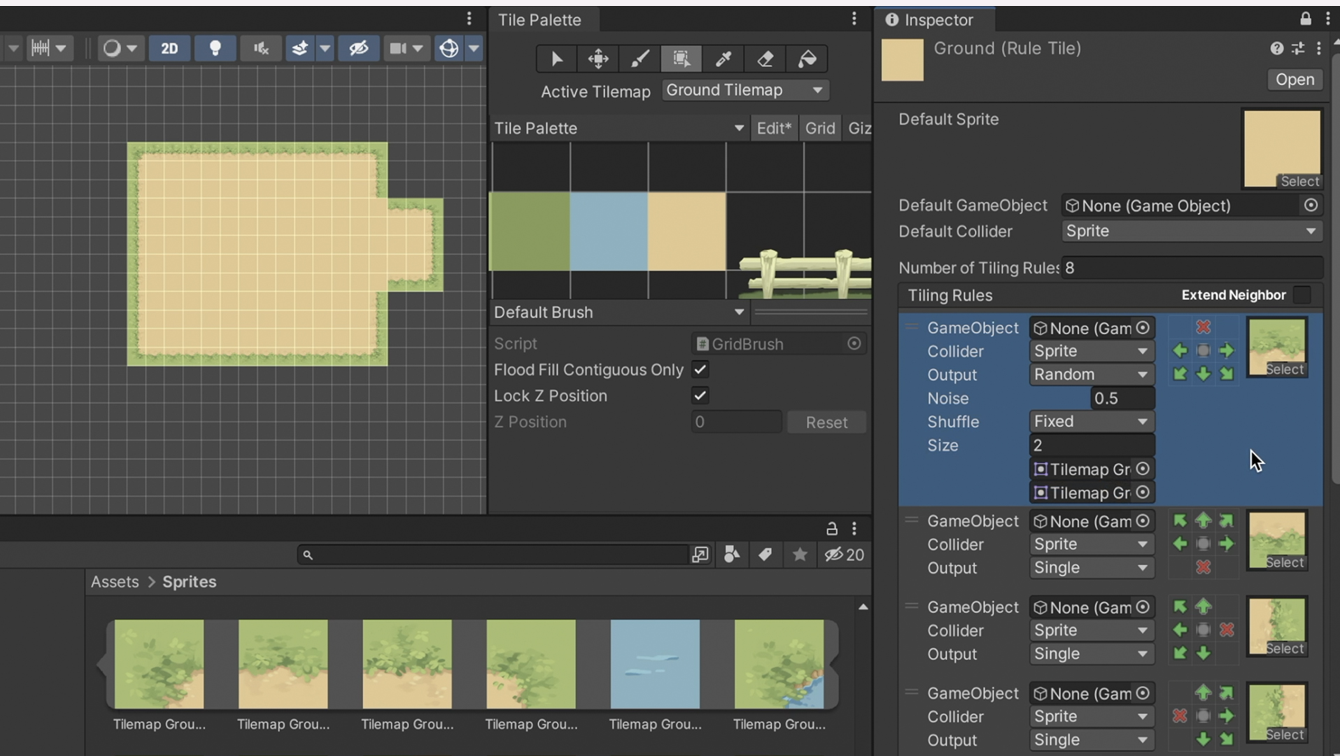
Scriptable Tiles
Scriptable tiles are tiles that you can assign behavior scripts to and you can paint with the scriptable tiles on a Tilemap component. These tiles allow developers to define unique behaviors like animations, interactions, or triggers, adding dynamic functionality to the game world.
Collision and Physics
The Tilemap Collider component automatically generates colliders for tiles, enabling seamless integration with Unity's physics system for collision detection.
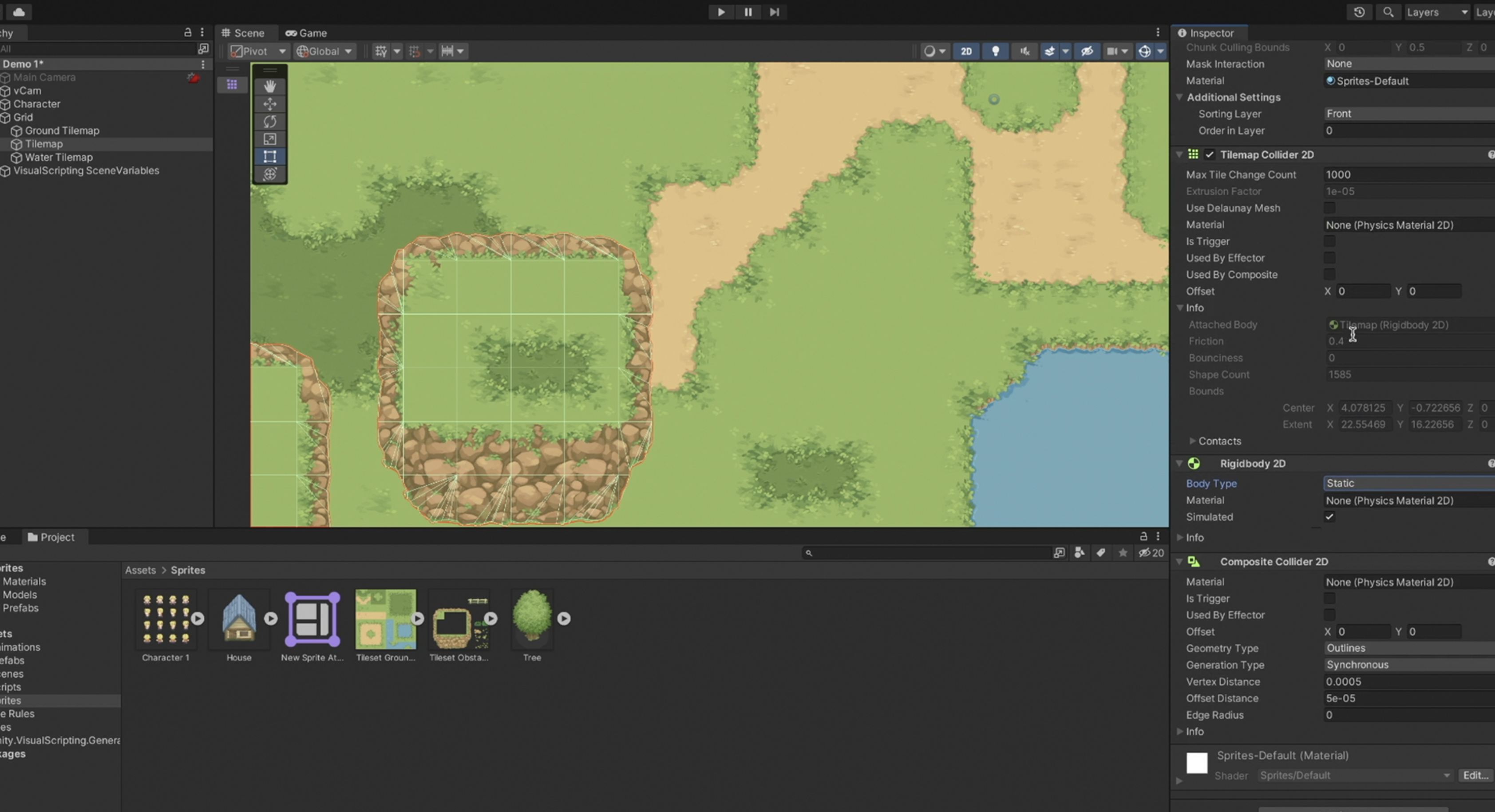
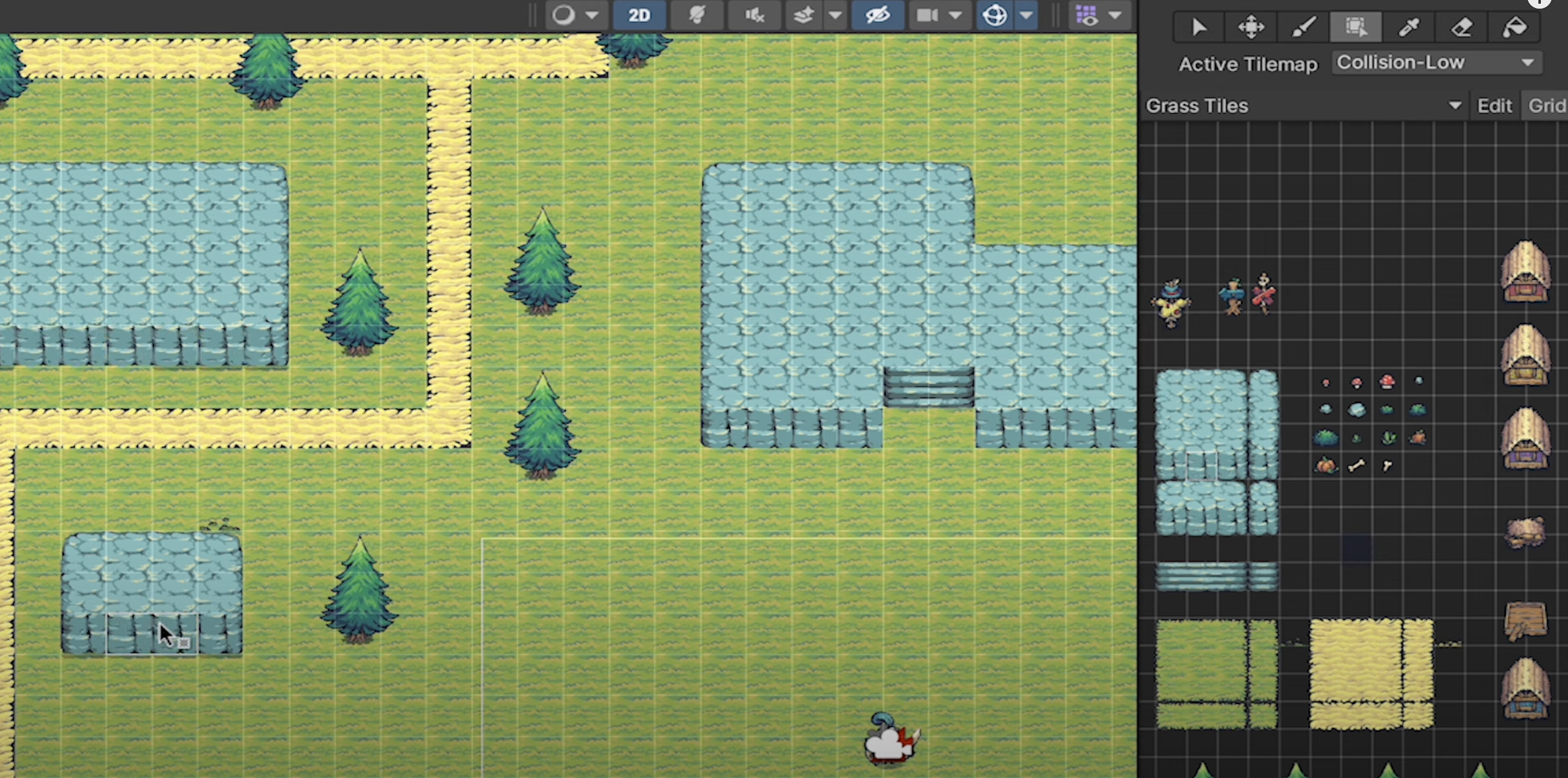
Layered Tilemaps
Multiple Tilemaps can be stacked on different layers, enabling the creation of backgrounds, foregrounds, and interactable elements in a single scene. Watch this short tutorial (screenshot from the video).
Optimization
Unity Tilemaps are highly optimized, allowing efficient rendering and management of large grids, making them ideal for performance-sensitive 2D games.
Summary
Use Unity Tilemap for grid-based layouts where environments follow a structured, consistent grid, such as in platformers, RPGs, or puzzle games.
- It is great in creating large, repetitive worlds efficiently by optimizing memory and performance for tiled assets
- Particularly useful for quick level design, allowing us to paint large environments directly in the editor using the Tile Palette.
- Simplifies collision setup and layering for games with multiple background, foreground, and interactive elements.
Super Mario Bros, Terraria, Stardew Valley
Use individual sprites when designing unique, non-repetitive elements that are not bound to a grid, such as detailed characters, standalone props, or complex objects.
- Sprites are better suited for freeform environments or when precise control over placement, animations, or interactions is required
- They work well in scenes where the focus is on unique visuals or objects that move independently of a grid structure.
Hollow Knight, Cuphead, Celeste (unique environmental feature, hybrid)